How to Run Event-Day Check-In Without the Chaos
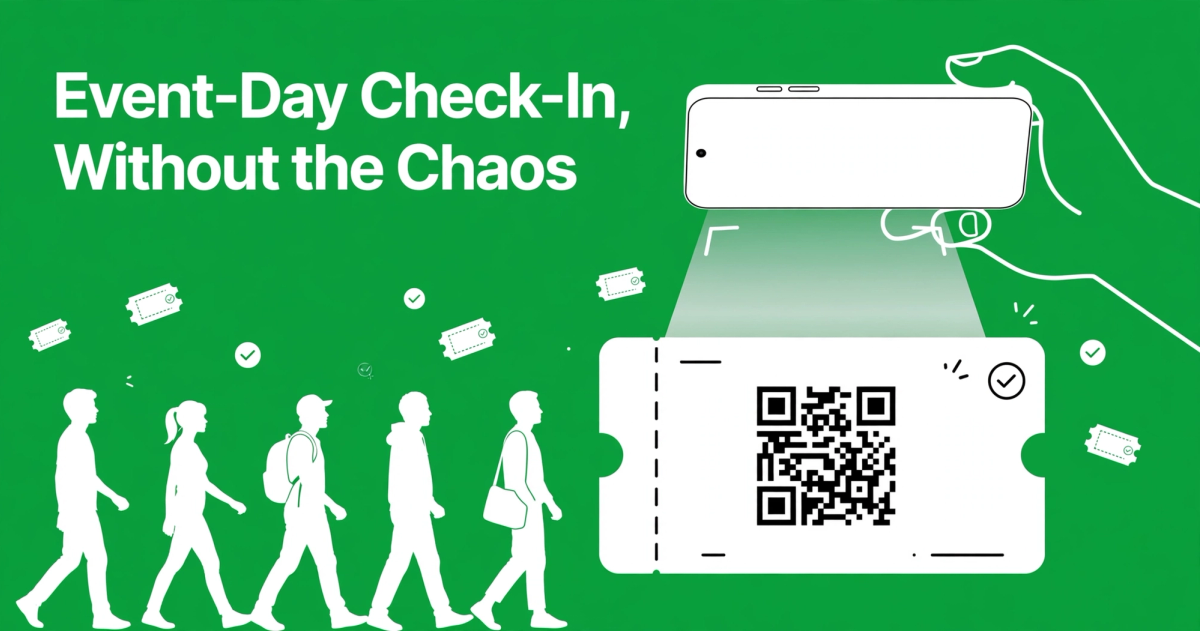
The line is twenty people deep, two volunteers are arguing about who has the list, someone's phone died right when they pulled up their ticket, and the doors opened five minutes ago. Sound familiar?
Event-day check-in is the first real impression your guests get of your event — and it's where a lot of well-planned events fall apart. The good news: smooth check-in isn't about expensive gear or a huge team. It's about a handful of decisions you make before anyone shows up. Here's the playbook.
Start with a single source of truth
Most check-in chaos starts weeks earlier, when ticket sales are scattered across platforms, spreadsheets, and paper lists. If your door team is cross-referencing three different lists, every lookup takes ten times longer than it should.
Pick one system for selling and tracking tickets, and make sure everyone working the door uses that same system. When every ticket — online purchase, comp, staff, volunteer — lives in one place, there's no "which list are you on?" confusion. Platforms built for event organizers (like EventCobby, which keeps every order and ticket in one dashboard) exist precisely so your door team has one answer to every question.
QR codes beat printed lists
If you're still checking names off a paper list, this is the single biggest upgrade you can make. QR-code tickets scanned with a phone are faster, harder to fake, and they update in real time — so the second station can't accidentally check in the same person twice.
Here's what actually works in practice:
- One scanner per entry point is plenty. You don't need dedicated hardware. Any modern smartphone with the scanner function works.
- Test in real conditions. Dim lobby, bright sunlight at an outdoor gate, cracked phone screens — run a few test scans before the doors open.
- Set up a "backup search." Sometimes a guest's phone is dead or they forgot their email. Your scanner should let you look people up by name as a fallback.
One real-world tip: don't make guests scroll through their inbox to find their ticket. Tell them in the confirmation email to screenshot the QR code before they leave home. Screenshots work offline and scan faster than a glitchy email app.
Staff the door for the rush, not the average
Almost every event's arrivals follow the same curve: a trickle at first, a huge spike in the 30 minutes before showtime, then a dribble of latecomers. Staffing for the average means you're drowning during the rush — which is exactly when the line is longest and patience is thinnest.
A few rules of thumb:
- Two people per entry point during peak. One scans, one handles problems (name lookups, will-call, questions). If one person does both, the line stops every time something unusual happens.
- Open doors earlier than you think. A 15-minute head start spreads arrivals across a longer window and makes the whole process calmer.
- Brief the team with a one-pager. Write down: where comps are, where will-call is, what to do when a code won't scan, who makes judgment calls. Hand it out at the pre-doors huddle. Most door disputes happen because volunteers were never told the policy.
Plan for the things that will go wrong
They will. No-shows, double scans, dead phones, wifi failures. The organizers with smooth check-ins aren't luckier — they planned for the failures.
Wifi dies. Venue wifi is notoriously unreliable, and if your scanner needs a live connection, a dead router can stop your whole event. Before the day: check whether your scanning setup works offline or has an offline mode. As a fallback, export a PDF guest list to every door volunteer's phone before doors open. It won't be as fast, but a stale list beats a dead screen.
Codes won't scan. Glare, cracked screens, low brightness. Keep a volunteer stationed slightly off the main flow — a "help desk" — so one problem guest doesn't hold up the line for everyone else. Look them up by name, verify the order, wave them through.
Duplicates show up. Someone forwards their ticket to a friend, both arrive. Decide your policy in advance and put it in the one-pager: first scan wins, and the door volunteer shouldn't have to improvise an answer while twenty people watch. Having the ticket-holder's name on the order record makes this easy to adjudicate.
No-shows still cost you. For free or comped events, no-show rates are a real factor in how many seats you hold. If overselling responsibly fits your format (it usually does for free community events), ticket slightly more than capacity. For paid events, a reminder email the day before is the cheapest no-show reducer there is.
Design the physical flow
The space in front of your door matters more than most organizers realize. A few layout choices that prevent bottlenecks:
- Separate lines by ticket type. VIP/comp line, general admission line, will-call line. Signs, not people, should do the directing.
- Put the help desk off to the side. Anyone with a problem steps out of the flow immediately.
- Keep the scan point past the choke point. Don't scan at a doorway people have to funnel through — scan after they're inside, in a wider space where a small line can form without blocking the street.
- Bag check and security go before the ticket scan, not after. The scan should be the last step before entry, when the guest's hands are free and the code is easy to show.
After the event: close the loop
Check-in isn't just about getting people in — it's your attendance data. Export the scan results afterward: who actually showed, which ticket tiers sold and scanned, where the no-shows were. That data tells you how to price, oversell, and staff next time. Most ticketing platforms give you this automatically; make sure you're saving it somewhere you can compare event to event.
The bottom line
Smooth check-in comes down to four things: one list, QR codes, staffing for the peak, and planning for the failure modes. None of them costs anything beyond a little preparation — but together they're the difference between doors that flow and a lobby that feels like a disaster before the event even starts.
If you're tired of stitching together spreadsheets, email confirmations, and door lists from three different places, EventCobby keeps your ticket sales, guest lists, and QR-code check-in in one free-for-organizers dashboard — so your volunteers only ever need one screen at the door. List your event free and see how the next check-in feels.